Free EUDR GeoJSON Validator: Check Your Files Before Submission
We built a free tool to validate GeoJSON files against the EUDR specification v1.5. Here's why it matters and how to use it.
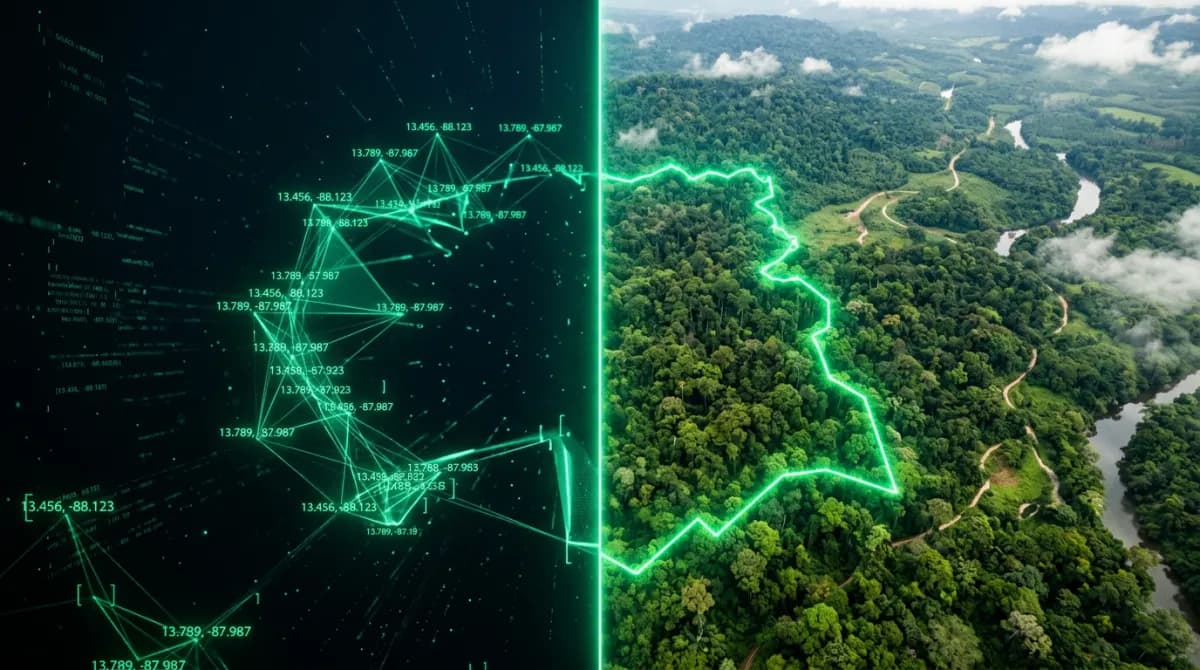
Submitting geolocation data is one of the most technically challenging parts of EUDR compliance. The EU requires GeoJSON files to meet a strict specification — and a single formatting error can delay your Due Diligence Statement submission in TRACES NT.
That's why we built a free, open GeoJSON validator that checks your files against every requirement in the EUDR GeoJSON specification v1.5.
Try it now
Visit silvatrace.com/tools/geojson-validator — no signup required. Upload a .geojson file or paste your GeoJSON directly.
What the validator checks
Our validator runs 8 compliance checks against the EUDR specification:
Valid JSON structure — Is the file valid JSON with a proper GeoJSON type?
CRS: WGS84 (EPSG:4326) — Are coordinates in the correct reference system?
Geometry types — Only Point, Polygon, and MultiPolygon are allowed. LineString and GeometryCollection are rejected.
Coordinate order — Coordinates must be [longitude, latitude], not [latitude, longitude]. A common mistake.
Closed polygons — The first and last coordinate pair must be identical.
No self-intersections — Polygon edges must not cross each other.
No holes — Polygons with interior rings (holes) are not allowed under the EUDR spec.
File size — Must be under 25 MB.
Common mistakes we catch
Swapped latitude and longitude
The most frequent error: coordinates in [latitude, longitude] order instead of [longitude, latitude]. If your polygon shows up in the middle of the ocean, this is likely why.
Unclosed rings
GeoJSON polygons must be "closed" — the last coordinate pair must exactly match the first. Some GIS tools export unclosed rings by default.
Wrong geometry type
The EUDR only accepts Point (for plots under 4 hectares) and Polygon/MultiPolygon (for larger plots). If your file uses LineString or GeometryCollection, it will be rejected.
Self-intersecting polygons
A polygon that crosses itself (like a figure-8) is topologically invalid. This usually happens when GPS coordinates were recorded in the wrong order while walking the perimeter.
Beyond validation
Validating your GeoJSON is just the first step. For full EUDR compliance, you also need to:
Run a satellite-based deforestation risk assessment on each plot
Generate a compliance report documenting your due diligence
Prepare a Due Diligence Statement for TRACES NT submission
Silvatrace automates all of these steps using Copernicus Sentinel-2 satellite data. Start with 3 free assessments at silvatrace.com/register.
Technical details
The validator uses the same validation engine that powers Silvatrace's plot import pipeline. It's built with Turf.js for geospatial calculations and runs entirely in your browser — no data is sent to any server.
The full source code is part of the Silvatrace codebase at `lib/geojson-validator.ts`.