How to Use Copernicus Satellite Data for EUDR Due Diligence
Learn how Copernicus Sentinel-2 satellite imagery powers EUDR deforestation risk assessments. Covers NDVI analysis, change detection, and automated compliance monitoring.
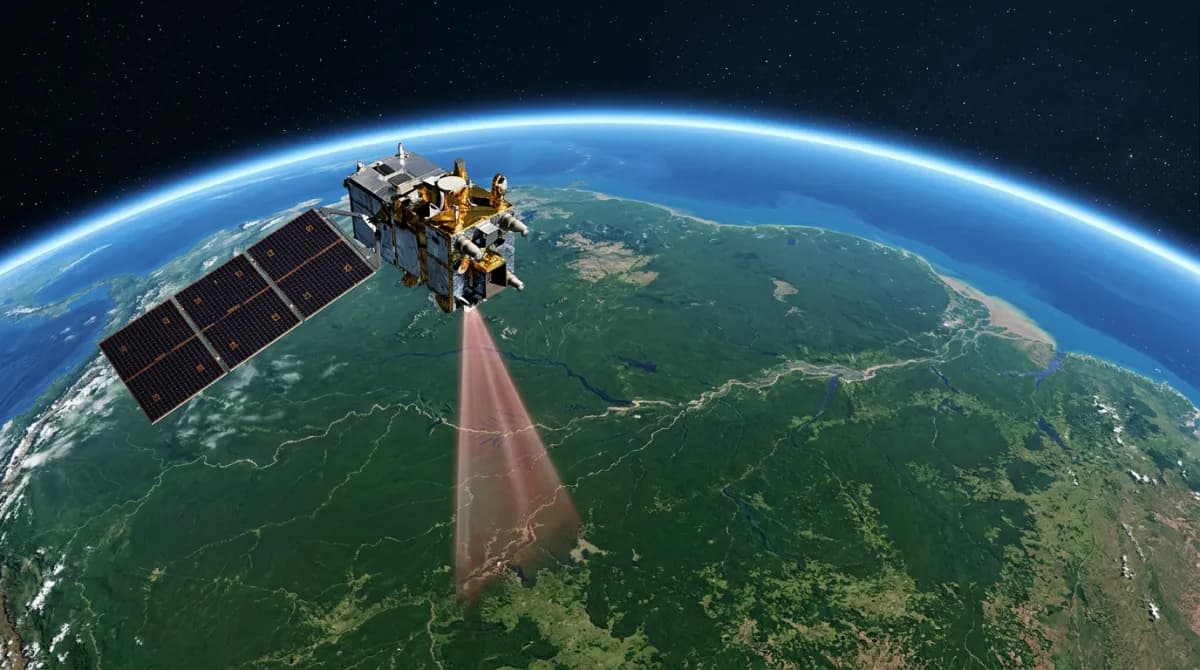
The EU Deforestation Regulation explicitly encourages the use of satellite monitoring data for due diligence. The Copernicus programme — the EU's own Earth observation system — provides free, high-resolution satellite imagery ideal for EUDR compliance.
What is Copernicus?
Copernicus is the European Union's Earth observation programme, coordinated by the European Commission and implemented by the European Space Agency (ESA). It provides continuous, reliable data from a fleet of Sentinel satellites.
For EUDR compliance, the most relevant satellite is Sentinel-2, which provides:
10-meter spatial resolution: — sufficient to detect forest clearing at the plot level
5-day revisit time: — frequent enough for temporal analysis
13 spectral bands: — enabling vegetation health analysis through indices like NDVI
Free and open data: — available through the Copernicus Data Space Ecosystem (CDSE)
NDVI: The Key to Deforestation Detection
The Normalized Difference Vegetation Index (NDVI) is the primary metric for detecting deforestation from satellite imagery. NDVI measures vegetation health by comparing how plants reflect different wavelengths of light:
NDVI > 0.6: Dense, healthy forest
NDVI 0.2–0.6: Sparse vegetation, crops, or degraded forest
NDVI < 0.2: Bare soil, urban areas, or water
By comparing NDVI values between a baseline period (before December 31, 2020) and the current period, we can detect forest loss at the pixel level.
How Silvatrace Uses Copernicus Data
Silvatrace's satellite analysis pipeline works in five steps:
1. Geometry Processing
When you provide a plot's geolocation (GeoJSON polygon), Silvatrace converts it to a bounding box compatible with the Sentinel Hub API.
2. Baseline NDVI Calculation
We fetch Sentinel-2 imagery from the baseline period (June–August 2020) and compute the mean NDVI across the plot. This establishes the pre-cutoff forest cover.
3. Current NDVI Calculation
We fetch the most recent cloud-free Sentinel-2 imagery and compute the current mean NDVI across the same plot.
4. Change Detection
By comparing baseline and current NDVI at the pixel level, we classify each pixel:
Forest maintained: Both baseline and current NDVI > 0.6 (forest threshold)
Forest lost: Baseline NDVI > 0.6, current NDVI < 0.6
Non-forest: Both values below the forest threshold
Regrowth: Baseline NDVI < 0.6, current NDVI > 0.6
The forest loss percentage is calculated as: (forest lost pixels) / (baseline forest pixels) × 100
5. Risk Scoring
Based on the forest loss percentage:
< 2% loss: LOW risk — natural variation, acceptable
2–10% loss: MEDIUM risk — requires further investigation
> 10% loss: HIGH risk — significant deforestation detected
Visual Evidence
Silvatrace generates three types of visual evidence for each assessment:
True color imagery — Natural-looking satellite images of the plot, showing the landscape
NDVI difference map — Heat map showing where vegetation changed (red = loss, green = gain)
Forest classification map — Pixel-level classification showing maintained forest, lost forest, and non-forest areas
These images are included in PDF compliance reports that serve as audit evidence.
Limitations and Considerations
While satellite-based monitoring is powerful, it has limitations:
Cloud cover: can obscure imagery, especially in tropical regions during rainy seasons
Seasonal variation: in NDVI can mimic forest loss (deciduous forests, agricultural cycles)
Small-scale clearing: below 10 meters may not be detectable
Degradation vs. deforestation: — partial canopy loss is harder to detect than clear-cutting
Silvatrace addresses these limitations by using multi-temporal composites, seasonal matching (comparing same months across years), and confidence scoring that accounts for data quality.
Getting Started
You can run your first satellite-based deforestation risk assessment in under 5 minutes:
1. Register at silvatrace.com (free — no credit card required)
2. Add your supplier and their plot geolocation
3. Trigger an assessment — Silvatrace fetches Copernicus data automatically
4. Review results: risk level, forest loss %, NDVI maps, and satellite imagery
5. Download the PDF compliance report
The free tier includes 3 assessments per month — enough to validate the technology with your highest-priority supply chain.